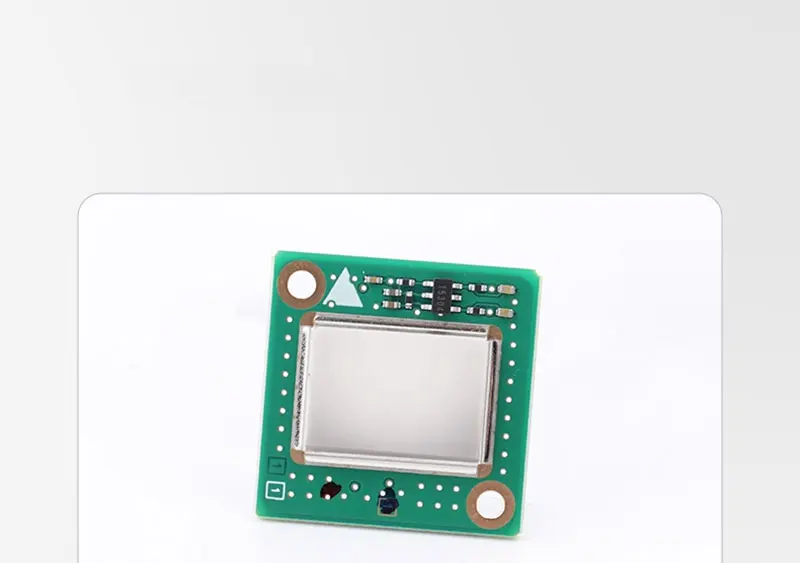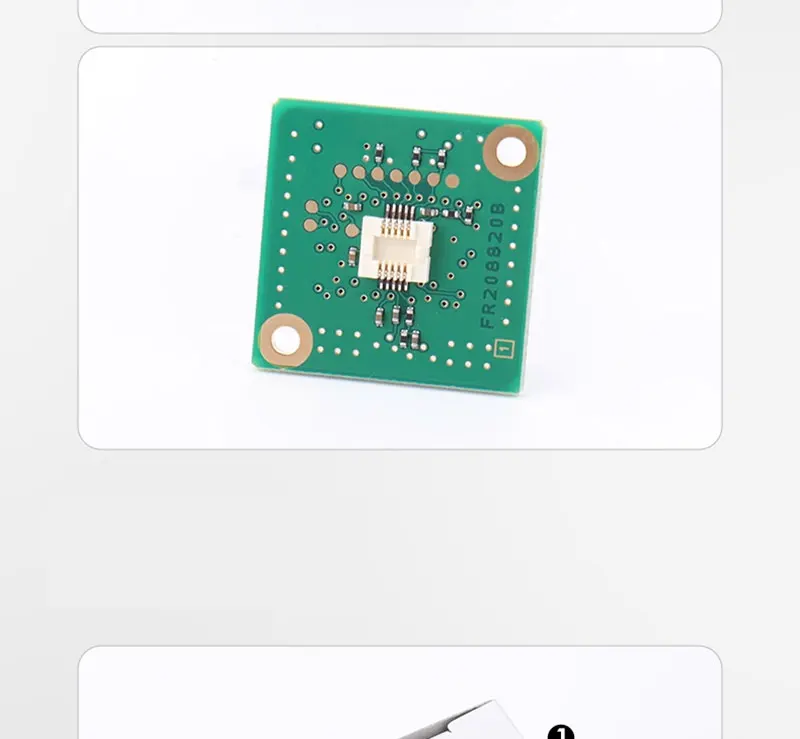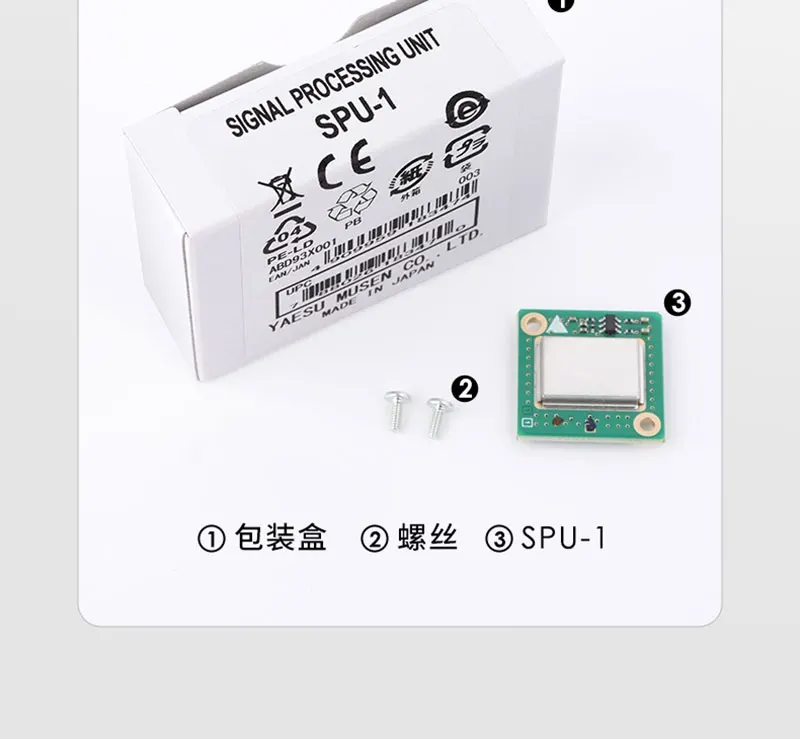
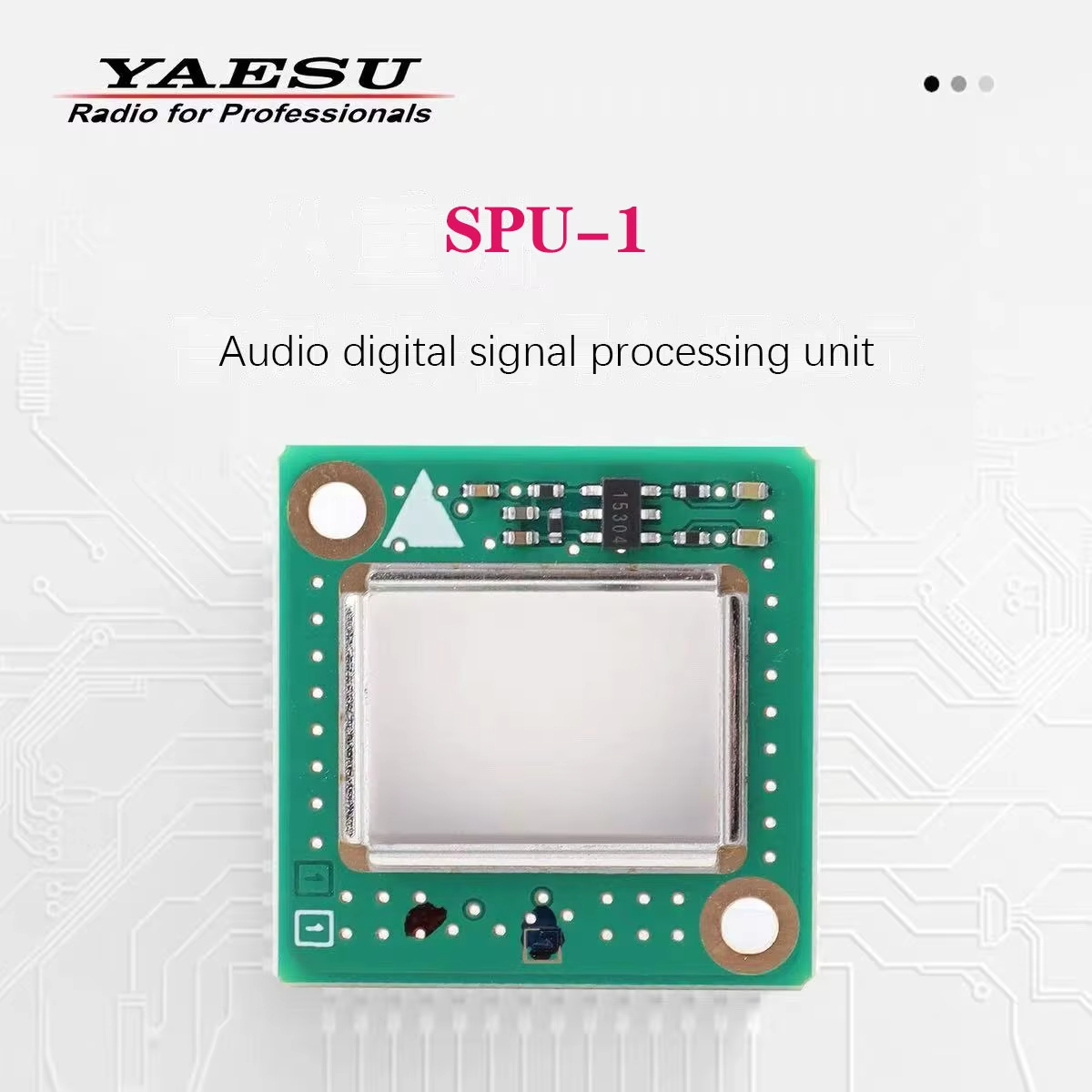
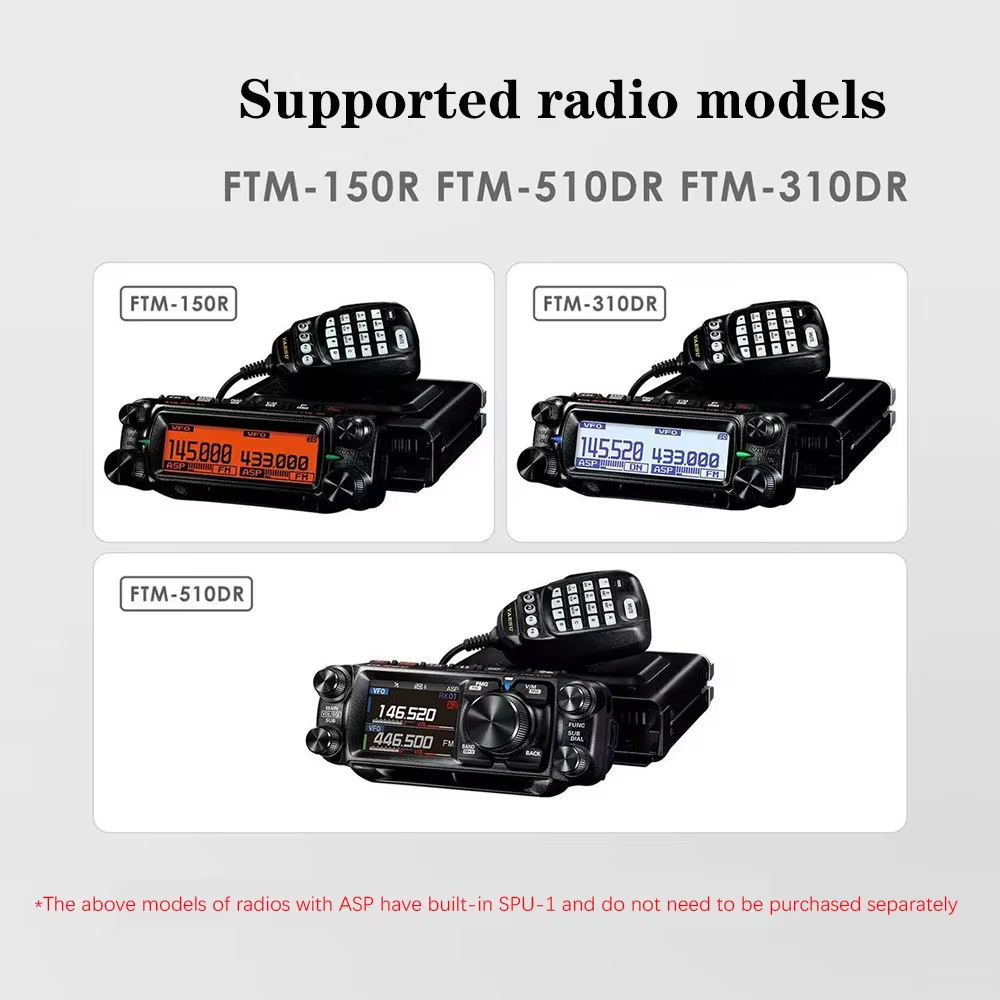
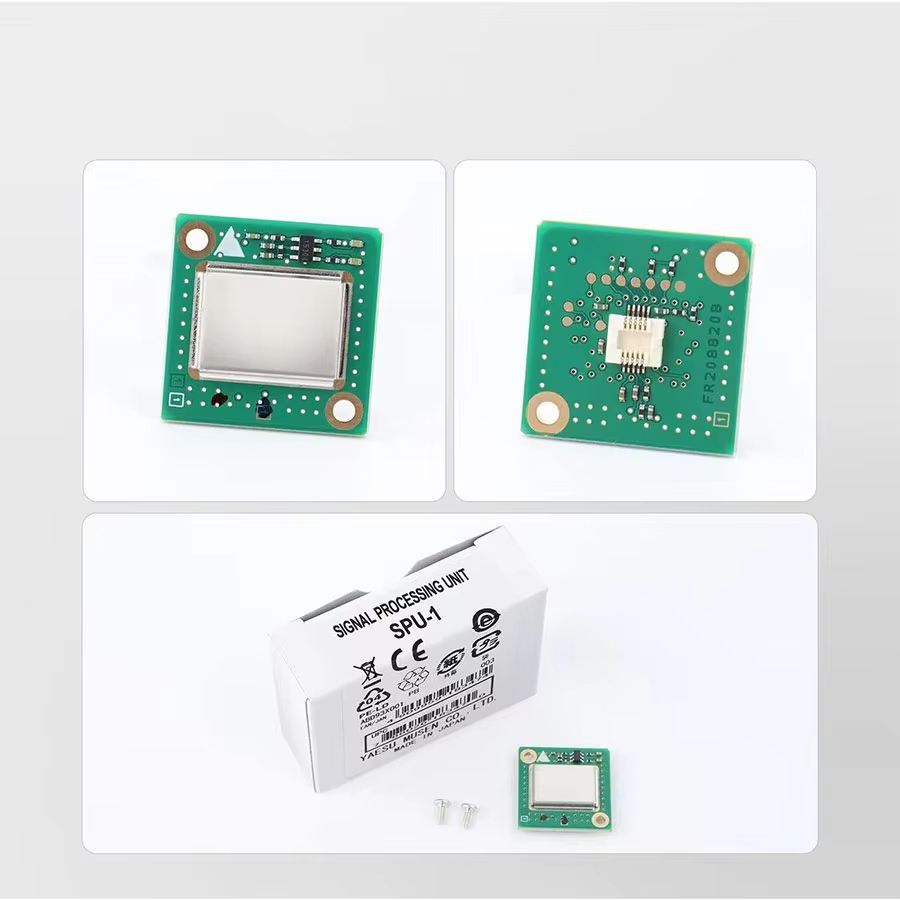
YAESU SPU-1 Audio Digital Signal Processing Unit: Upgrade FTM-150R & FTM-510DR
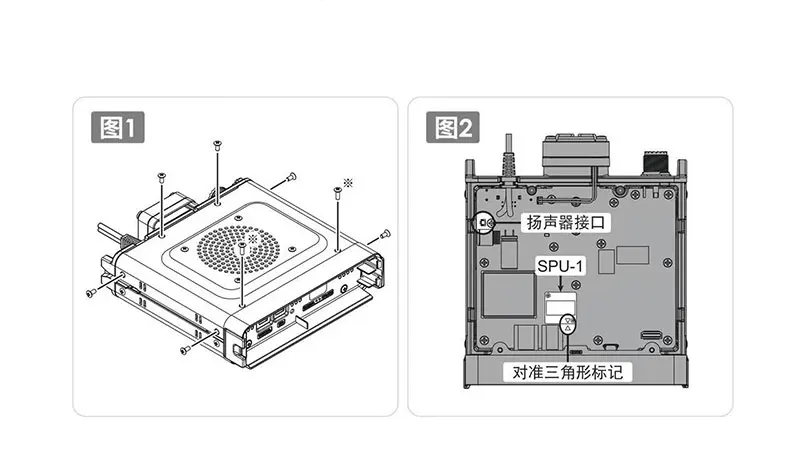
Installation Instructions: Using the FTM-510DR as an example, please refer to the following instructions and images.
1. Turn off the radio and disconnect all cables.
2. Remove the eight screws on the main unit, as shown in Figure 1.
3. Slowly lift the top cover and move it upward, being careful not to pull excessively on the speaker plug.
4. Install the SPU-1 in the position shown in Figure 2 and secure it with the two included screws.
5. Replace the top cover and tighten the eight screws.
After installing the SPU-1 and activating the ASP function, the received audio signal can be digitally processed to remove noise, so that the received sound is enhanced and produces clear and comfortable sound quality.
*ASP function is applicable to FM mode and AM mode, and the effect is more obvious when the signal is weak